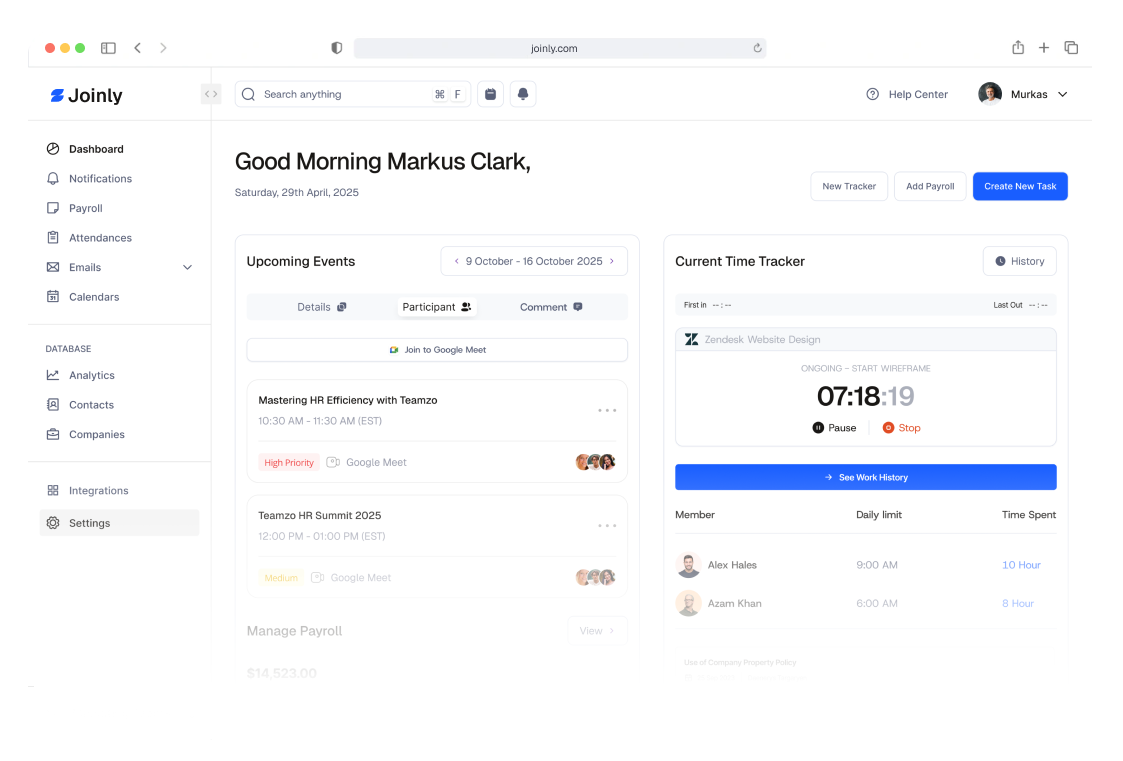
Time tracking has long been a double-edged sword. On one side, it helps businesses measure productivity, improve project management, and make data-driven decisions. On the other, it can easily slip into micromanagement—creating stress, mistrust, and resentment among team members.
So how can leaders track time effectively without making employees feel like they’re being constantly watched? The answer lies in transparency, trust, and purpose.
Here’s how to implement time tracking that empowers your team instead of controlling it.
Before introducing time tracking tools or policies, explain why they exist. Employees should understand that time tracking isn’t about surveillance—it’s about clarity and improvement.
Communicate the purpose clearly:
When people see that time tracking benefits them too, they’re more likely to embrace it.
Not all time tracking tools are created equal. The wrong one can feel invasive, while the right one integrates seamlessly into daily workflows.
Look for tools that:
Tools such as Toggl Track, Clockify, or Harvest strike a good balance between accountability and autonomy.
The most successful teams measure success by results, not hours logged. Use time tracking data to spot trends and optimize processes—not to monitor every movement.
For example:
The goal is to use insights to empower, not to punish.
Invite employees to be part of the conversation. Ask for their input on how time tracking can be used to improve—not control—their work experience.
Encourage questions like:
When time tracking feels like a shared tool rather than a management directive, people engage with it more willingly.
Time tracking should never feel invasive. Avoid using software that records screens, takes random screenshots, or tracks mouse movement. These tools can destroy trust overnight.
Instead, build a culture of mutual respect:
Leaders and managers should also track their time. Doing so demonstrates that everyone, regardless of role, is accountable for their work—and that time tracking is a shared tool, not a hierarchy of oversight.
When employees see managers using the same systems transparently, it reinforces trust and fairness.